

Upgrading to a Higher Plan
You have been using the Advanced File Manager Pro Basic plan & later down the road you need a feature let say AI Code Pilot, you discovered that it is included in the Business plan OR you need a higher number of sites. What to do in such a situation?
Well we have got you covered!
Customers who purchased a lifetime plan will be eligible for a proration discount only if they update their plan within 30 days from the time of purchase.
Examples:
- If a user purchased a single-site lifetime pro license for $300 and after 3 days upgrades to a 5-site lifetime pro license for $600, they are only charged $300 for the upgrade.
- If a user purchased a single-site lifetime starter license for $150 and after 6 days upgrades to a single-site lifetime business plan for $400, they are only charged $250 for the upgrade.
- If a user purchased a single-site lifetime pro license for $300 and after 2 months upgrades to a 5-site lifetime pro plan for $600, they are charged the full $600.
Customers which are updating a plan that was purchased as a subscription will receive a proration discount, based on the unused portion of their previous plan.
Examples:
- If a user purchased a single-site monthly pro package for $10 per month and after 2 months and 15 days upgrades to the annual billing cycle of the same single-site pro plan for $100 per year – the customer will have already paid $10, and will have used half of their current billing cycle. Therefore, the initial prorated amount will be $95 ($100 – $10 / 2).
- If a user subscribed to a single-site annual pro license for $100 per year and after 3 months decides to downgrade to a single-site annual starter plan for $80 per year – the customer will already have paid $100, and have used only a quarter of the current billing cycle. Therefore, the proration discount for the remaining period will be $75, and the initial price for the single-site annual starter plan will be $5 ($80 – $75). The first renewal payment will be scheduled for a year from the downgrade date and will cost $80.
To upgrade your plan, follow this guide:
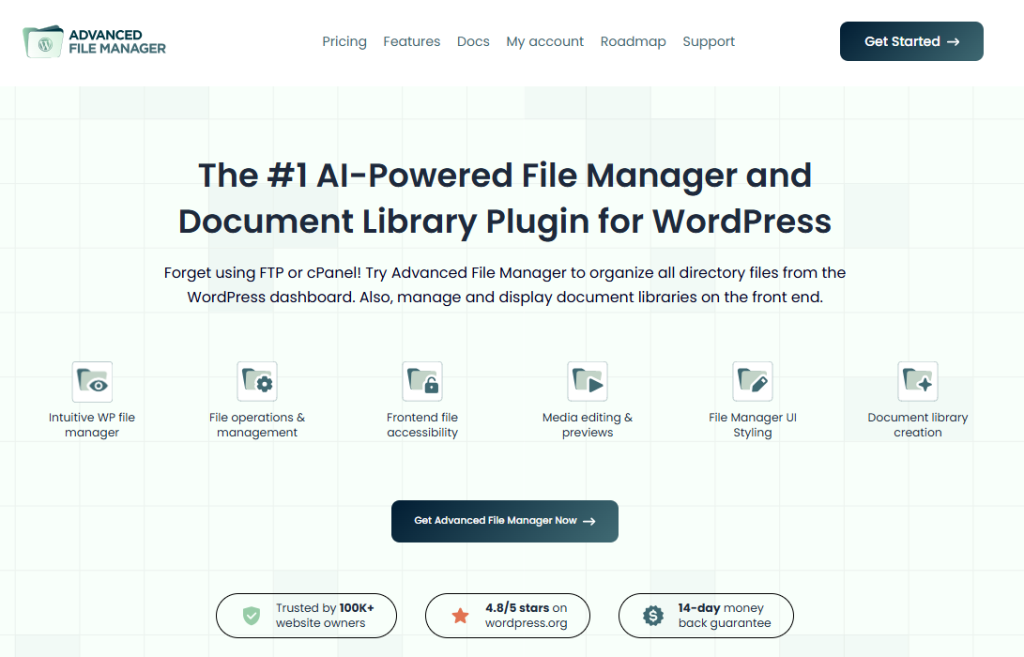
1. Go to the Advanced File Manager website & click on My Account.
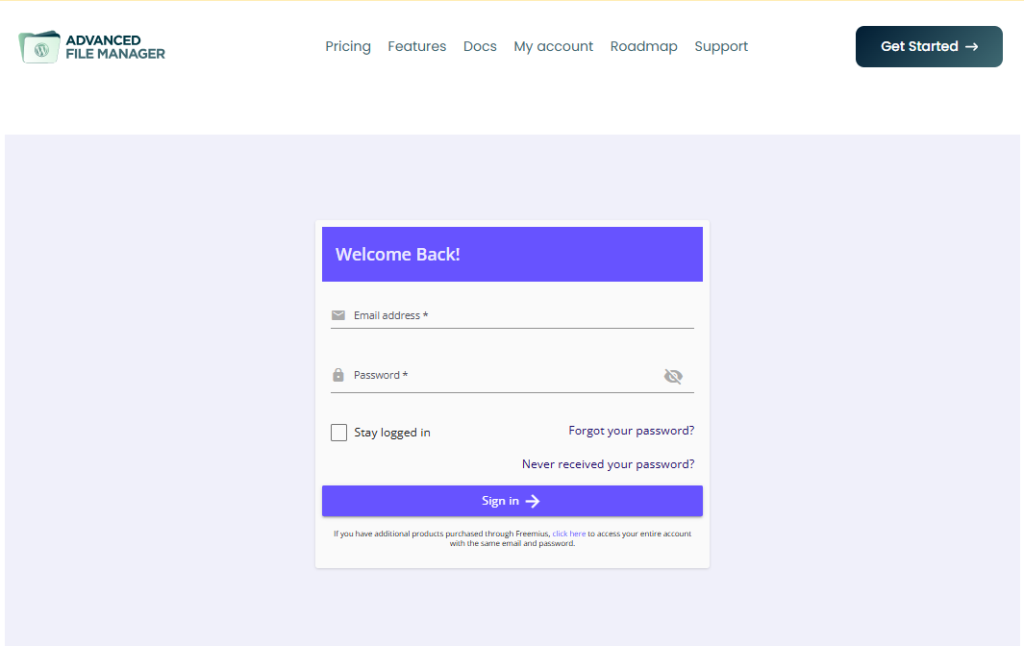
2. Log in using your Billing email address. If you have forgotten the password, you can simply click on Forgot your password to receive a Password reset link straight to your mailbox.
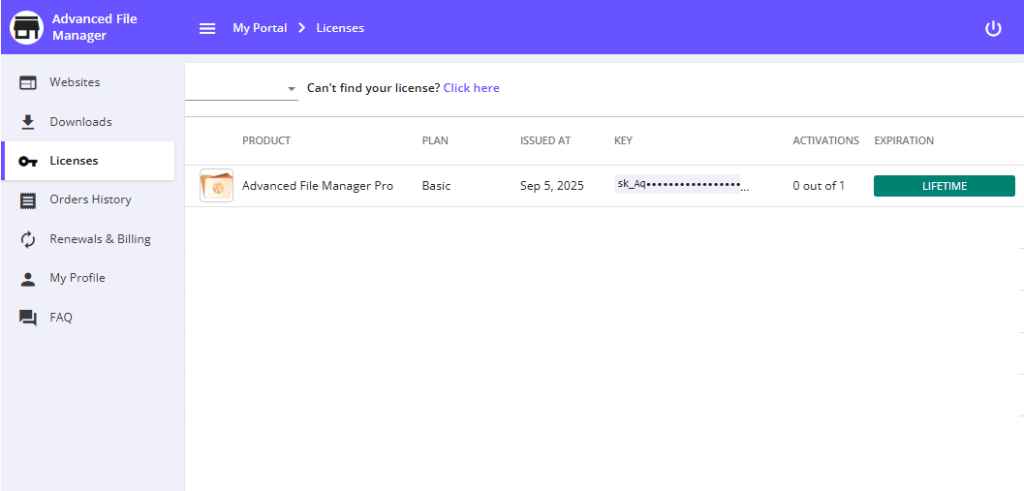
3. Once logged in navigate to the Licenses tab & click on your existing License.
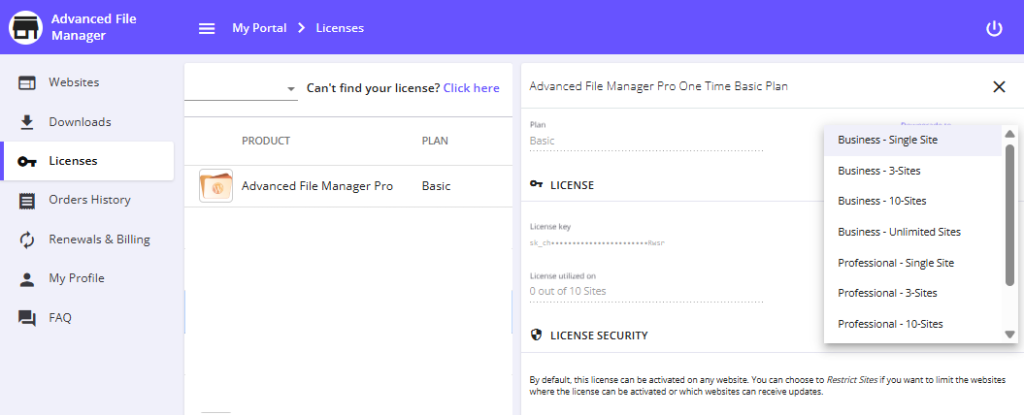
4. On the Right hand side tab, adjacent to Plan there’s a dropdown to select from the Plan you wish to upgrade to.
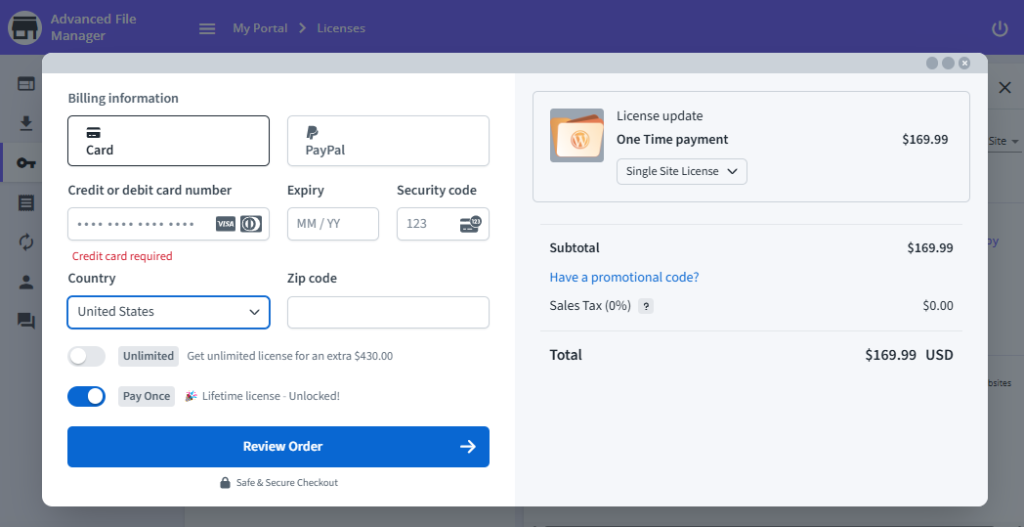
5. Complete Checkout by entering Credit Card & other necessary details.
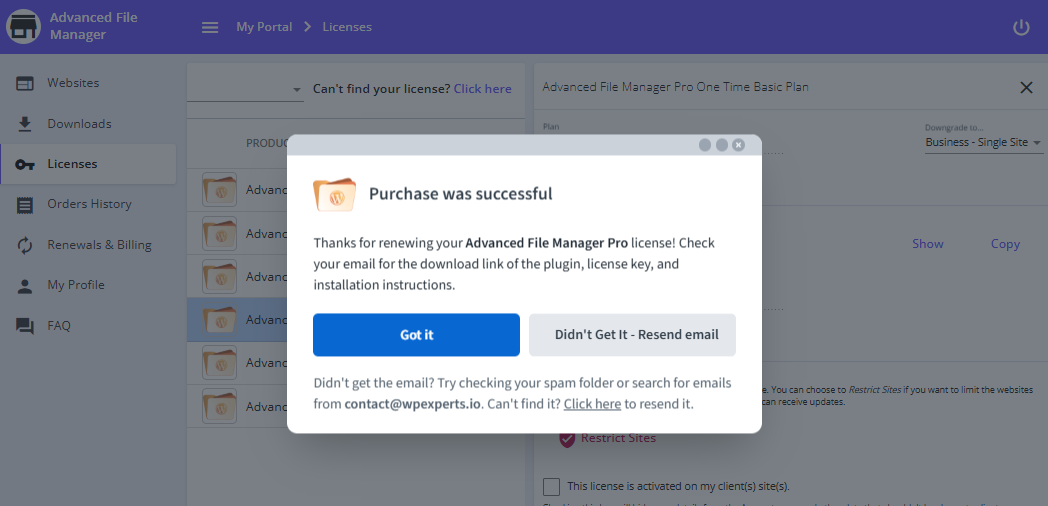
Congratulations! You have upgraded to a higher tier plan. Continue to enjoy the upgraded privileges of Advanced File Manager Pro plugin, until you decide to upgrade to even higher plan 😉
If you face any issues with the checkout or have any questions or concerns feel free to reach out to the Support Team. We’re here to help!
