

AI Coding Assistant
Built to make coding smarter and faster, Advanced File Manager’s AI Coding
Assistant is the easiest way to code with AI.

Enable with One-Click
Turn on AI integration right from your dashboard. Paste your API key, test it, and you’re ready to go!
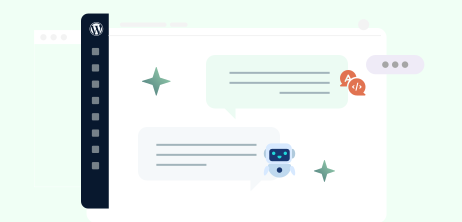
Edit in Your Natural Language
Ask the AI to refactor, debug, or improve code with a simple prompt. Update functions or entire files instantly.
Your Code, Your Rules
Your privacy is priority! Nothing is shared until you choose to send it. Keep complete control of what AI can access.
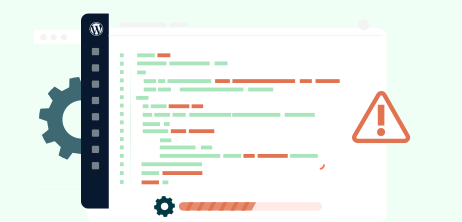
Save Time With Tailored Solutions
Code doesn’t work? A prompt can help find and fix the errors almost instantly.
Enable AI Coding Assistant in Three Steps

Connect Your AI
Paste your API key, verify it, and you’re ready to integrate AI into the editor.

Choose What to Share
Toggle full-file access or highlight specific code blocks. You decide what the AI can see.

Get Smarter Edits
Ask the AI to refactor, debug, or improve code instantly, without leaving WordPress.
Benefits That Matter!
Super-Easy Setup in Just a Few Clicks!
Navigate to the Advanced File Manager’s settings, enable AI, test your API keys, and before you know it, your AI assistant is up and running.


Context-Aware Assistance
Gone are the days of browsing through heaps of videos and articles to find specific solutions. All it takes is just a prompt.
Privacy First
Privacy matters. Nothing is shared without your permission. Share the entire code or just a part of it; you are in charge of what AI can see.


Ready to Organize Your WordPress Files & Document Libraries?
Frequently Asked Questions
If you still have any questions in mind, check out our frequently asked questions, or feel free to contact us directly.

Do you still have questions?
Ask our friendly and knowledgeable team.