
Google Drive WordPress Integration Made Easy
With Advanced File Manager, you can easily connect Google Drive to WordPress. Manage, store, and access your Google Drive files right from your WordPress dashboard!
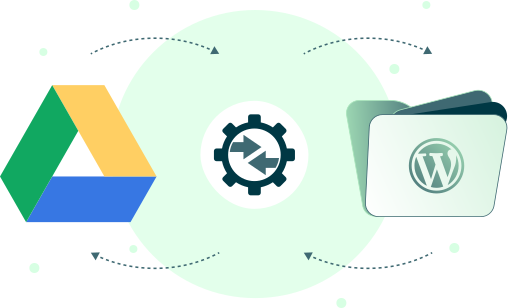
3 Easy Steps to Integrate Google Drive with WordPress
Connect to Google Drive
Provide Client ID and Secret in the Google Drive Settings & hit ‘Connect Google Drive.
Step
01
Connect to Google Drive
Provide Client ID and Secret in the Google Drive Settings & hit ‘Connect Google Drive.
Step
02
Connect to Google Drive
Provide Client ID and Secret in the Google Drive Settings & hit ‘Connect Google Drive.
Step
03
04 Key Benefits of Google Drive Integration

Seamless Cloud Storage
Store and manage all your website files on Google Drive without ever leaving the WordPress dashboard.

Seamless Cloud Storage
Store and manage all your website files on Google Drive without ever leaving the WordPress dashboard.

Built-In Security
Keep your WordPress data safe with Google Drive’s built-in encryption, backup, and recovery.

Seamless Cloud Storage
Store and manage all your website files on Google Drive without ever leaving the WordPress dashboard.
Other Supported Cloud Integrations
Connecting your cloud storage services with Advanced File Manager streamlines your workflow







Why WordPress Cloud Storage Integration Matters


Ready to Organize Your WordPress Files & Document Libraries?
Frequently Asked Questions
If you still have any questions in mind, check out our frequently asked questions, or feel free to contact us directly.