How to Sync Dropbox To WordPress Media Library [Step-by-Step]
If you’re juggling content between your WordPress Media Library and Dropbox, you know how time-consuming it is to switch tabs,…

If you’re juggling content between your WordPress Media Library and Dropbox, you know how time-consuming it is to switch tabs,…
Restricting access to media files is essential for managing sensitive content on WordPress websites. Whether you’re running a membership site,
If you’ve ever wondered where all your WordPress uploads—images, PDFs, audio, or videos—end up, the answer is ‘wp-content/uploads’ folder. But

Managing files in WordPress can get tricky as your website grows. You may upload hundreds of images, videos, PDFs, and
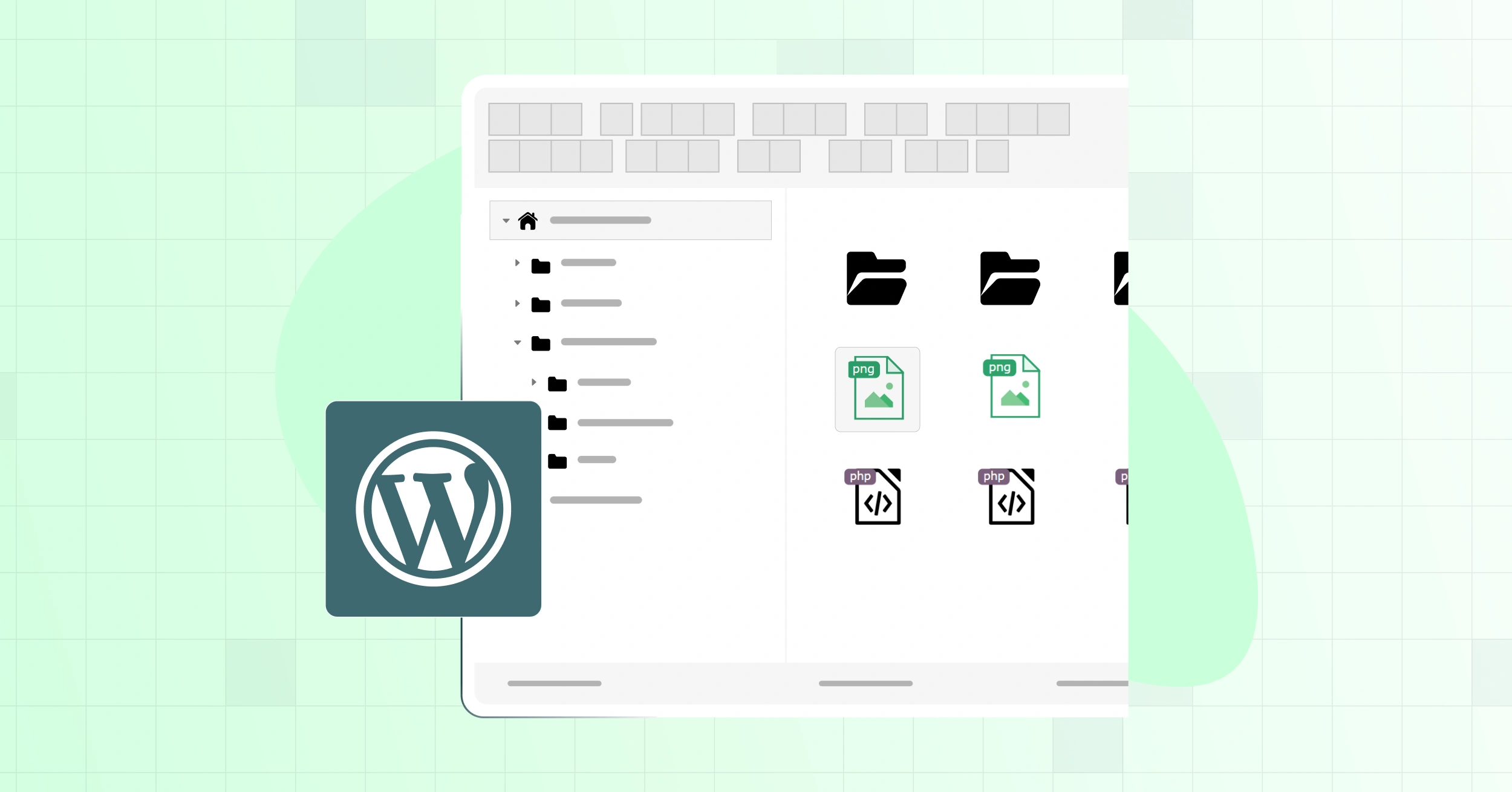
Managing files on your WordPress site can feel tricky if you are not a developer. You may need to upload,

The WordPress root directory is home to all the vital files that help your website function smoothly. This includes essential

Far gone are the days of sifting through the WordPress directory to upload or manage files. Nowadays, you can do
By default, WordPress doesn’t offer native file management beyond media uploads. If you want to move, edit, or even browse

Advanced File Manager is most powerful and user friendly file manager for WordPress. Edit, Delete, upload, delete, download, zip, copy