

GitHub Integration: Manage Repositories from WordPress with Ease
Integrate your GitHub account with WordPress using Advanced File Manager. Developers can easily pull files, push changes, and collaborate on repositories without leaving WordPress.
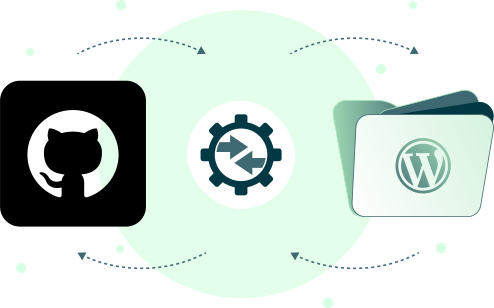
3 Easy Steps to Integrate GitHub with WordPress
Install the Plugin and Get Access Token
Install the plugin and visit GitHub to get an access token. This token is required to link your repositories to WordPress.
Step
01
Connect Your Account
Go to the GitHub tab in the File Manager settings. Enter your email, username, and paste the security token.
Step
02
Select and Sync Code
Choose the desired Repository and Branch from the new Actions section. You can now Pull, Push, and Check Status right from your dashboard.
Step
03
Key Benefits of GitHub Integration

Track Code Changes
Keep files synced with your GitHub repo. Easily track commit history and revert to previous file versions for peace of mind.

One-Click Code Push
Store and manage all your website files on Google Drive without ever leaving the WordPress dashboard.

Review Commit History
Check the status of your repository and review all past commit details. Quickly track code changes and author information.

Manage Everything in One Place
Stop juggling tools! Manage all your website files and GitHub repositories from your WordPress dashboard.
Other Supported Cloud Integrations
Connecting your cloud storage services with Advanced File Manager streamlines your workflow







Why WordPress GitHub Integration Matters

Ready to Organize Your WordPress Files & Document Libraries?
Frequently Asked Questions
If you still have any questions in mind, check out our frequently asked questions, or feel free to contact us directly.